
Supported Feed Formats
SharpFeed currently supports the following file types for audit:
- CSV (.csv)
- TXT (.txt) – plain text using standard delimiters
- XML (.xml) – Google-compatible product XML feeds
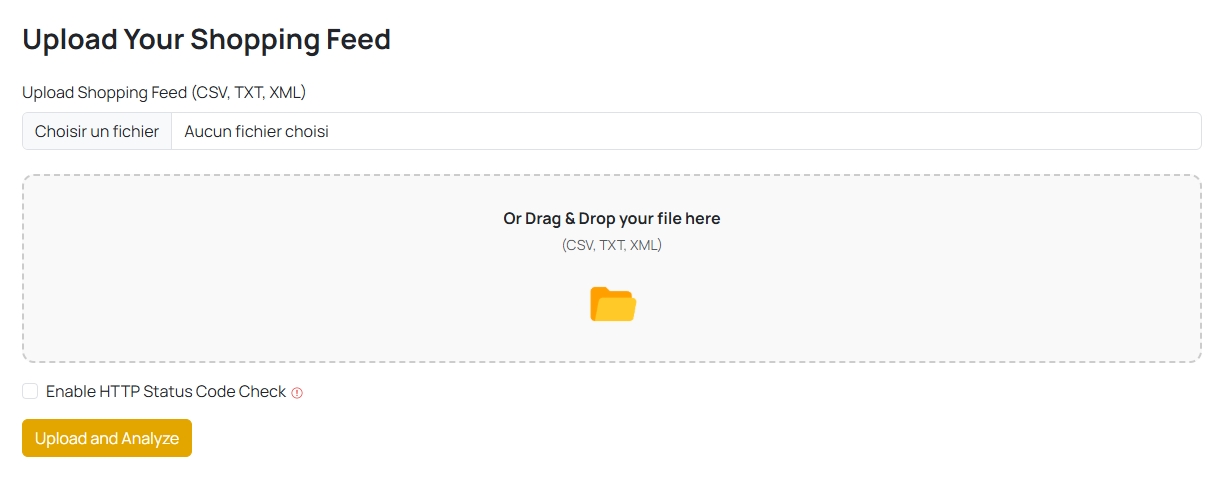
Feed Structure
Regardless of format, your feed must contain a header row (for CSV/TXT) or consistent product tags (for XML). SharpFeed will auto-detect and parse the data accordingly.
-
CSV/TXT files:
- Delimiters automatically detected:
,;|tab - First row must be field names (e.g.,
title,price,image_link) - Encoding: UTF-8 recommended
- Delimiters automatically detected:
-
XML files:
- SharpFeed looks for
<product>,<item>, or<entry>elements - Fields inside
<g:fieldname>are normalized (see below) - Namespaces are stripped automatically for compatibility
- SharpFeed looks for
Google-style Field Names
You can use either:
title,description,price, etc.- Or:
g:title,g:description,g:price, etc.
SharpFeed will recognize and normalize both you don’t need to remove the g: prefix manually.
Things to Watch Out For
- Long feeds (10k+ products) take more time to analyze — please be patient.
- Empty or malformed fields (e.g., missing headers, broken tags) may cause audit failures.
- XML feeds must be well-formed, SharpFeed will skip unreadable rows rather than crash.
- Fields like
additional_image_link,product_highlight, andproduct_detailcan contain lists, we handle them correctly for validation.
Analysis Time
- Small feeds (<500 products): a few seconds
- Medium feeds (1k–10k products): up to 1 minute
- Large feeds (50k+ products): a few minutes, especially with HTTP checks enabled
💡 Tip: Disable the HTTP status check if you want a faster first audit.
Best Practices
- Stick to Google’s attribute naming
- Keep fields like
title,price,description, andimage_linkclean and consistent - Use correct formats for fields like
price(number currency) orsize_system(US,UK, etc.)
Need more help?
Our team is here to assist. Reach out and we’ll get back to you fast.
Contact Support