
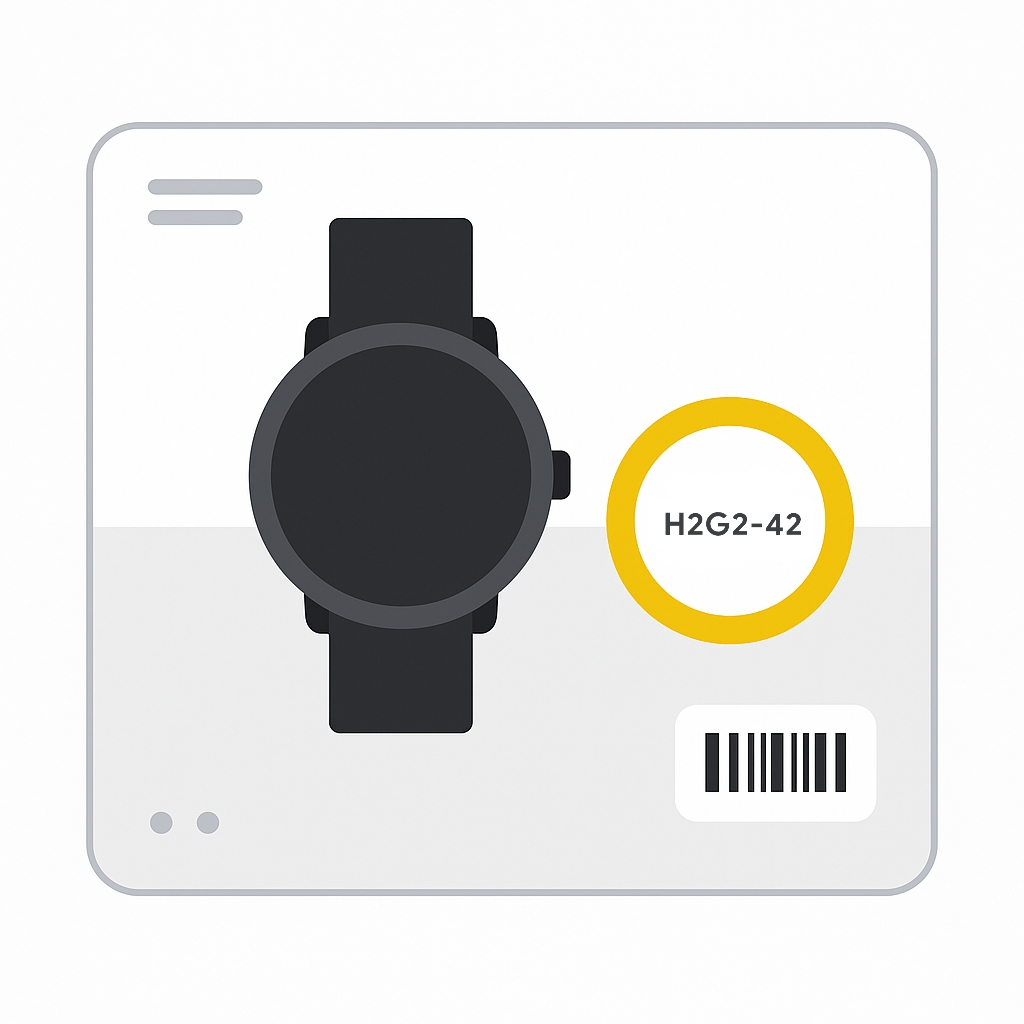
Required if no GTIN (Google & ChatGPT)
Use the mpn attribute to submit your product’s Manufacturer Part Number. MPNs distinguish one product from another within the same brand. Some shoppers search directly by MPN, so including it can improve product matching and discovery.
When to use
- Required for products that don’t have a manufacturer‑assigned GTIN. See the GTIN [gtin] attribute to know when GTIN applies.
- Optional if the product has no clear MPN or is custom‑made (e.g., handmade, novelty, one‑off items).
- Only provide an MPN if you’re confident it’s correct. Don’t guess or invent values.
Format
Follow these guidelines so Google can correctly read your data.
- Type: String (alphanumeric, Unicode; ASCII recommended)
- Limits: 1–70 characters
- Repeated field: No
- Schema.org property: Product.mpn (Text)
Examples
| File format | Example entry |
|---|---|
| Text feed | GO12345OOGLE |
| XML feed | <g:mpn>GO12345OOGLE</g:mpn> |
Note: Make sure your data file is in a supported feed format so this attribute is recognized.
Minimum requirements
If these aren’t met, your product can be disapproved in Merchant Center.
- Send other identifiers when relevant. You may be required to also submit brand [brand] and GTIN [gtin] if available.
- Use the manufacturer’s MPN. Unless you’re the manufacturer, don’t create your own value.
- Distinguish variants. Each variant (e.g., color) typically has its own MPN.
- Apparel exception: different sizes of the same apparel item often share the same MPN.
- Don’t guess or pad the value with extra characters or formatting.
SEO Tip
Submitting a correct MPN helps Google match your item to the exact product a user is seeking, especially for technical and replacement parts. If you’re not sure the MPN is accurate, leave it blank rather than risking a mismatch.
Official Source : https://support.google.com/merchants/answer/6324482
Need more help?
Our team is here to assist. Reach out and we’ll get back to you fast.
Contact Support