
Required for each product for Google
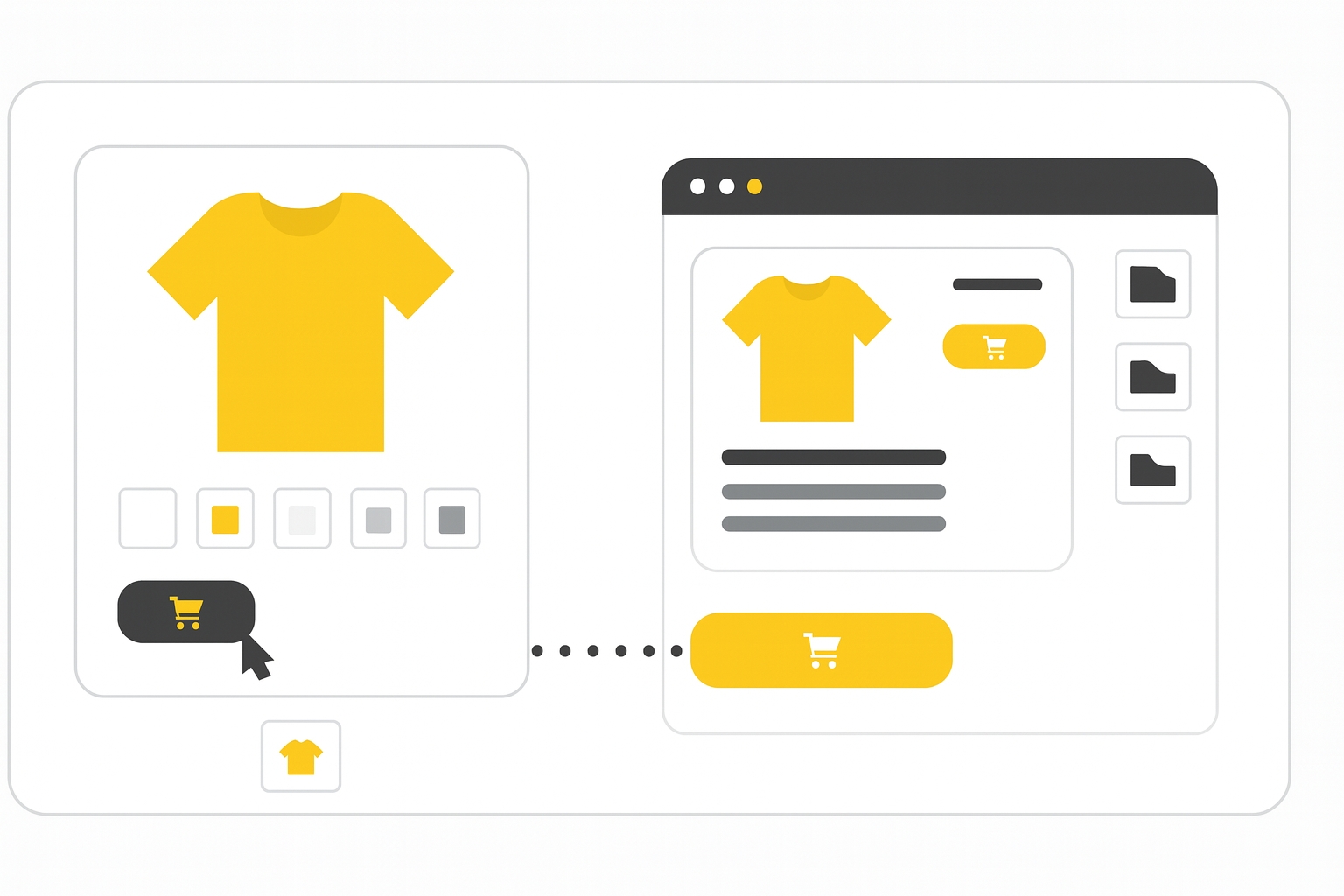
The link attribute defines the landing page for your product. When users click on your product in Shopping ads or listings, they are redirected to this URL.
For ChatGPT feeds, use url
When to use
If you only submit the link attribute, all users (desktop and mobile) will be directed to that URL.
⚠️ If you also provide an ads_redirect URL, it will override link for Shopping ads. Free listings will still use link or mobile_link.
Format
- Type: URL (ASCII only, must start with
http://orhttps://, RFC 3986 compliant) - Limits: 1–2,000 characters
- Repeated field: No
- Schema.org property:
Offer.url
Example values:
| File format | Example entry |
|---|---|
| Text feed | https://www.example.com/writing/google-pens |
| XML feed | <link>https://www.example.com/writing/google-pens</link> |
Minimum requirements
Note: Submitting an invalid or unreachable URL can result in disapproval.
- Ensure the landing page is mobile friendly.
- Start with
http://orhttps://. - Use a verified domain.
- Ensure the URL is crawlable by Google.
- Encode special characters (
&→%26). - No registration or sign-in should be required.
- Use redirects only if legally required.
Best practices
- Use a stable URL that doesn’t change often.
- Pre-select the correct product variant.
- Use
mobile_linkfor separate mobile pages. - Avoid ValueTrack parameters in
link. Useads_redirectinstead. - Minimize redirects for faster page loads.
- Use Schema.org microdata to reflect accurate product variant.
- Use
canonical_linkif you include tracking in thelinkfield.
SEO Tip
Avoid redirects where possible, also 404 pages are a NO GO in feeds and SharpFeed will help you spot that. Use verified domains and structured data to help Google understand the final landing page.
Official Source : https://support.google.com/merchants/answer/6324416
Need more help?
Our team is here to assist. Reach out and we’ll get back to you fast.
Contact Support