
Required for product variants in specific contexts for Google
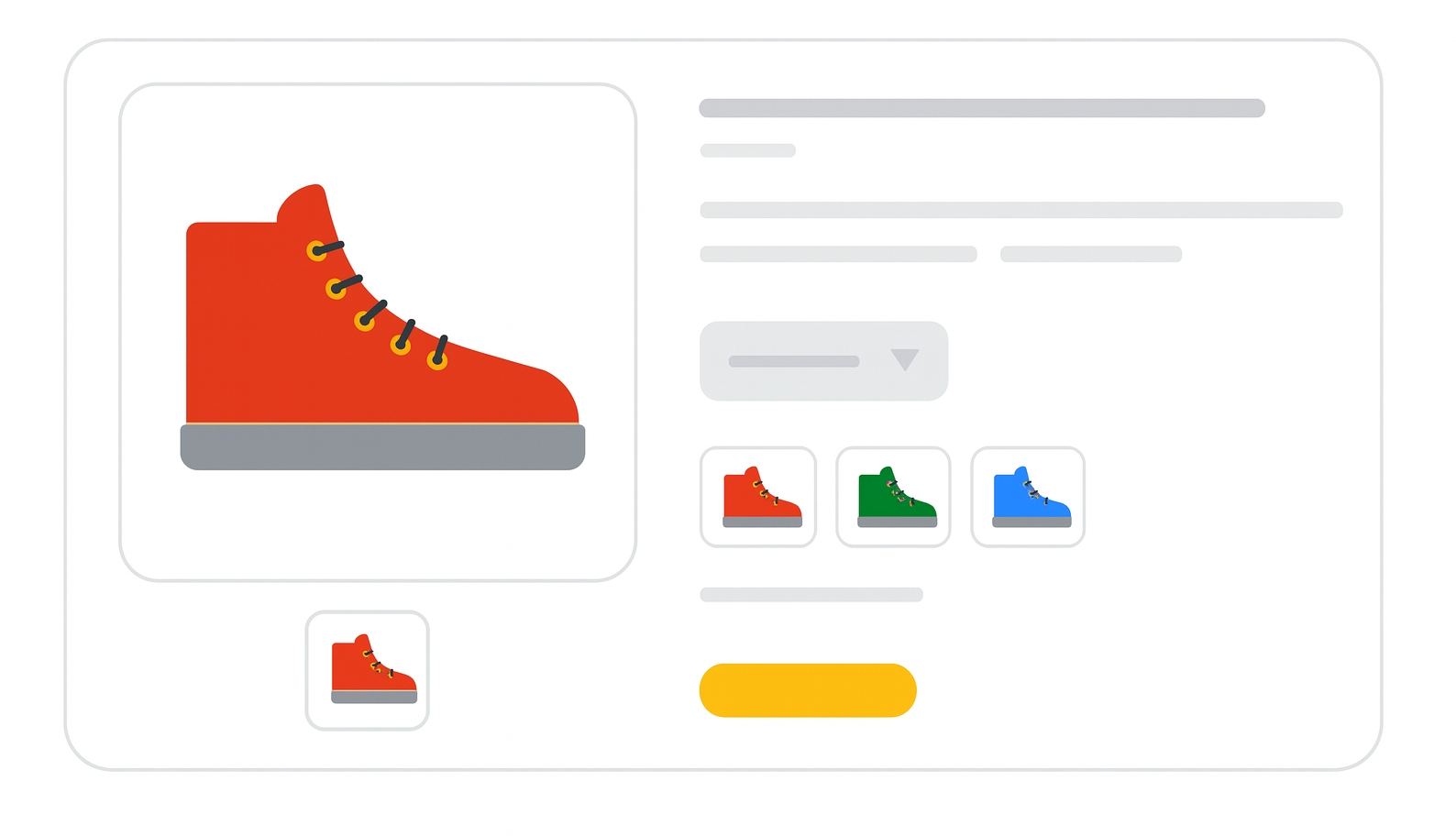
The item_group_id attribute links product variants together so they are shown as a group to shoppers. Variants differ only by attributes such as size, color, material, pattern, age_group, or gender.
For ChatGPT feeds, use group_id
When to use
- Required for free listings when submitting product variants.
- Required for Shopping ads with variants in:
- Brazil
- France
- Germany
- Japan
- United Kingdom
- United States
- Not required for single, standalone products with no variants.
Format
- Type: String (alphanumeric, underscores, dashes; ASCII recommended)
- Limits: 1–50 characters
- Repeated field: No
- Schema.org properties:
File format examples:
| File format | Example entry |
|---|---|
| Text feed | AB12345 |
| XML feed | <g:item_group_id>AB12345</g:item_group_id> |
Minimum requirements
- Use the same value for all variants of the same product.
- Each distinct variant group must have a unique
item_group_id. - Include at least one variant attribute (
color,size,material,pattern,age_group,gender). - Ensure all products in the same group have values for the same variant attributes.
- Do not use
item_group_idfor unrelated products. - Do not rely on casing differences to make IDs unique.
- Do not reuse
item_group_idvalues for unrelated product groups.
Best practices
- Use the parent SKU as the
item_group_idfor all variants in a group. - Do not submit the parent SKU as a separate product.
- Keep the value stable over time to maintain consistent grouping.
- Ensure each variant has a unique
idvalue while sharing the sameitem_group_id. - Provide different landing page URLs for each variant (e.g.,
/t-shirt/greenor/t-shirt?color=green&size=small).
SEO Tip
Correctly grouping variants improves the shopping experience by letting users browse color, size, or material options from a single product page. This can increase click-through rates and reduce the number of duplicate-looking listings.
Official Source : https://support.google.com/merchants/answer/6324507
Need more help?
Our team is here to assist. Reach out and we’ll get back to you fast.
Contact Support