
Required when product variants exist in ChatGPT
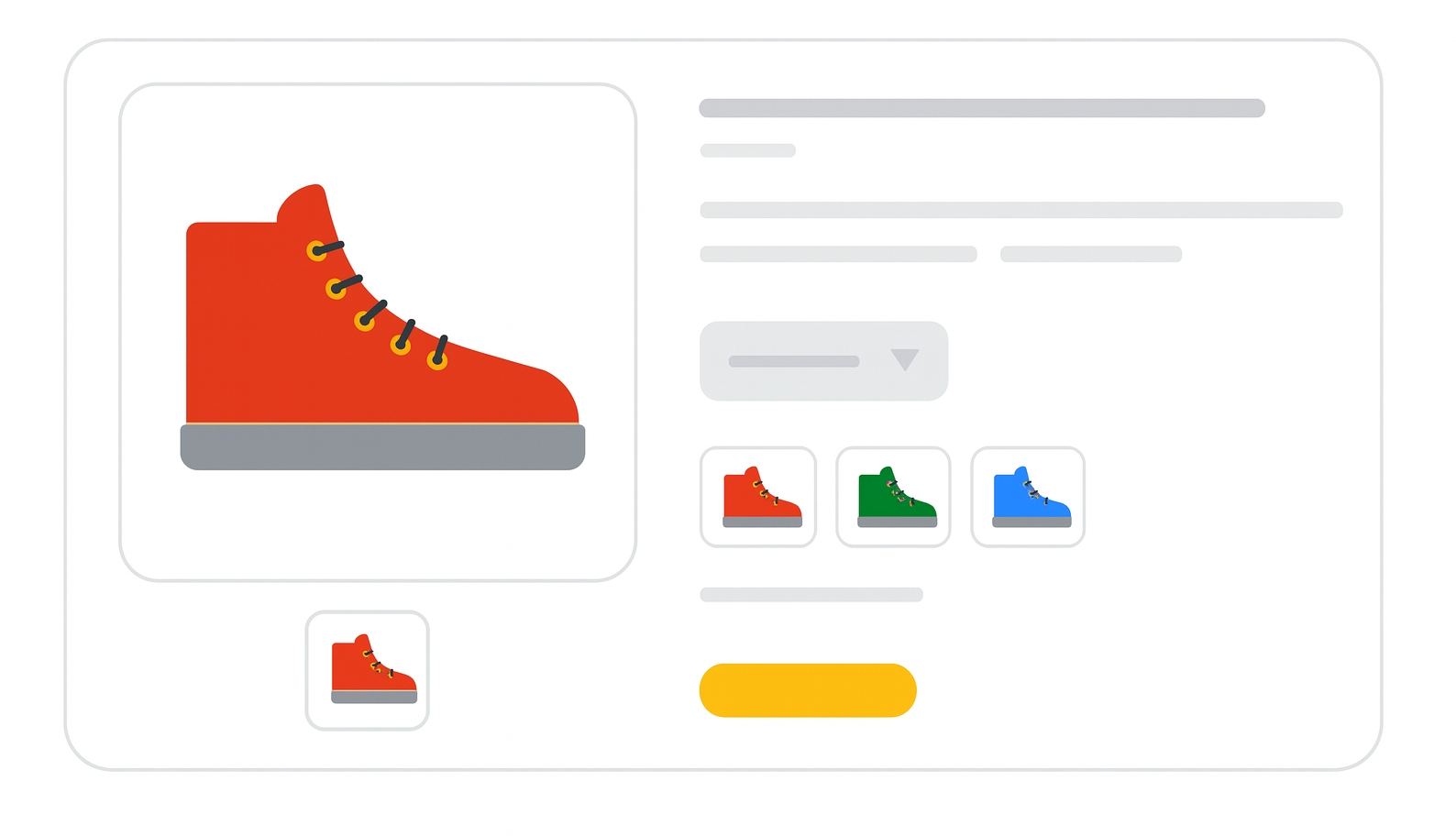
The group_id field identifies a variant group, allowing ChatGPT to understand that multiple product entries belong to the same listing but differ by attributes such as size, color, or material.
This field replaces item_group_id.
Only group_id is supported. The legacy name is ignored.
When to use
Use group_id whenever a product has variants, such as:
- different sizes,
- different colors,
- different materials,
- multiple configurations of the same product.
All variants of the same product must:
- share the same
group_id, - have a unique
item_id.
Format
- Type: String
- Maximum length: 70 characters
- Repeated field: No
- Case-sensitive: Yes
Examples:
| Field | Example |
|---|---|
group_id | SKU-TSHIRT-001 |
item_id | SKU-TSHIRT-001-BLACK-M |
Relationship with listing_has_variations
When listing_has_variations is set to true:
group_idbecomes mandatory.- Missing or empty values invalidate the variant structure.
ChatGPT does not infer variant relationships automatically.
Minimum requirements
- Use the same
group_idfor all variants of a product. - Ensure
group_idis never equal toitem_id. - Keep values stable over time.
- Do not reuse the same
group_idfor unrelated products. - Do not use the deprecated
item_group_idfield.
SEO / AI Tip
Correct variant grouping allows ChatGPT to:
- present variant selectors,
- compare options within a product,
- avoid duplicate or fragmented listings.
Incorrect or missing group_id values can cause variants to be treated as unrelated products.
Official Source:
ChatGPT Product Feed Specs
Need more help?
Our team is here to assist. Reach out and we’ll get back to you fast.
Contact Support