
Optional but recommended for better product presentation in Google
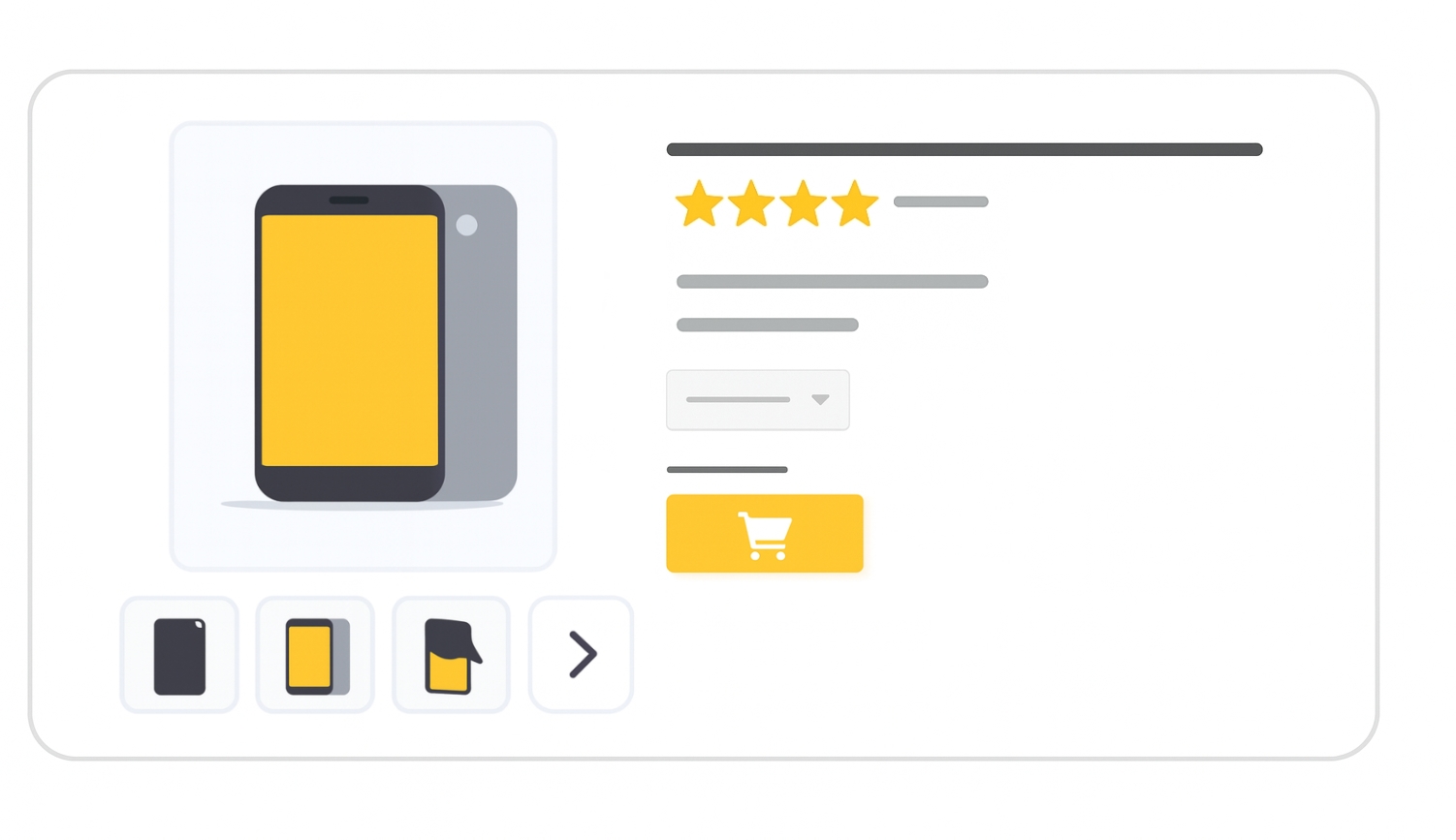
The additional_image_link attribute allows you to submit extra product images beyond the main image_link. These can display your product from multiple angles, highlight details, or show it in use, helping customers make better purchase decisions.
For ChatGPT feeds, use additional_image_urls
When to use
- Optional for all products.
- Useful for showing:
- Multiple viewing angles
- Close-ups of details
- Product in use or in lifestyle context
- Components of a bundle or multipack
Format
- Type: URL (HTTP or HTTPS, ASCII only, RFC 3986 compliant)
- Limits: 0–2000 characters per URL
- File formats: JPEG (.jpg/.jpeg), WebP (.webp), PNG (.png), GIF (.gif), BMP (.bmp), TIFF (.tif/.tiff)
- Repeated field: Up to 10 images per product
File format examples:
| File format | Example entry |
|---|---|
| Text feed | https://www.example.com/image2.jpg |
| Multiple images | https://www.example.com/image2.jpg,https://www.example.com/image3.jpg |
| XML feed | <g:additional_image_link>https://www.example.com/image2.jpg</g:additional_image_link> |
If submitting multiple URLs, separate them with commas (
,). Encode commas in URLs as%2Cbut not the separating commas.
Minimum requirements
- Meet all requirements for the main
image_linkattribute. - Additional images may:
- Include product staging or show the product in use.
- Highlight parts of the product without showing the full item.
- Show parts of a bundle or the entire multipack.
- Do not remove required IPTC metadata from AI-generated images (e.g.,
TrainedAlgorithmicMedia,CompositeSynthetic,AlgorithmicMedia). - Do not submit brand-only logos, blurry/misshapen images, or watermarked images.
- Do not exceed 10 additional images.
Best practices
- Follow the same quality standards as for the main image.
- Show different angles, close-ups, or product usage scenarios.
- Use lifestyle images where relevant (e.g., furniture in a room, clothing worn by a model).
- Ensure image size meets Google’s recommendations to avoid reduced visibility.
- Use Product Studio tools (Merchant Center Next or Google & YouTube app in Shopify) to enhance resolution or remove backgrounds.
SEO Tip
High-quality additional images boost SEO and increase shopper confidence and engagement. They can lead to higher click-through rates by giving users a more complete understanding of the product.
Official Source : https://support.google.com/merchants/answer/6324370
Need more help?
Our team is here to assist. Reach out and we’ll get back to you fast.
Contact Support