
Required for each product (Google & ChatGPT)
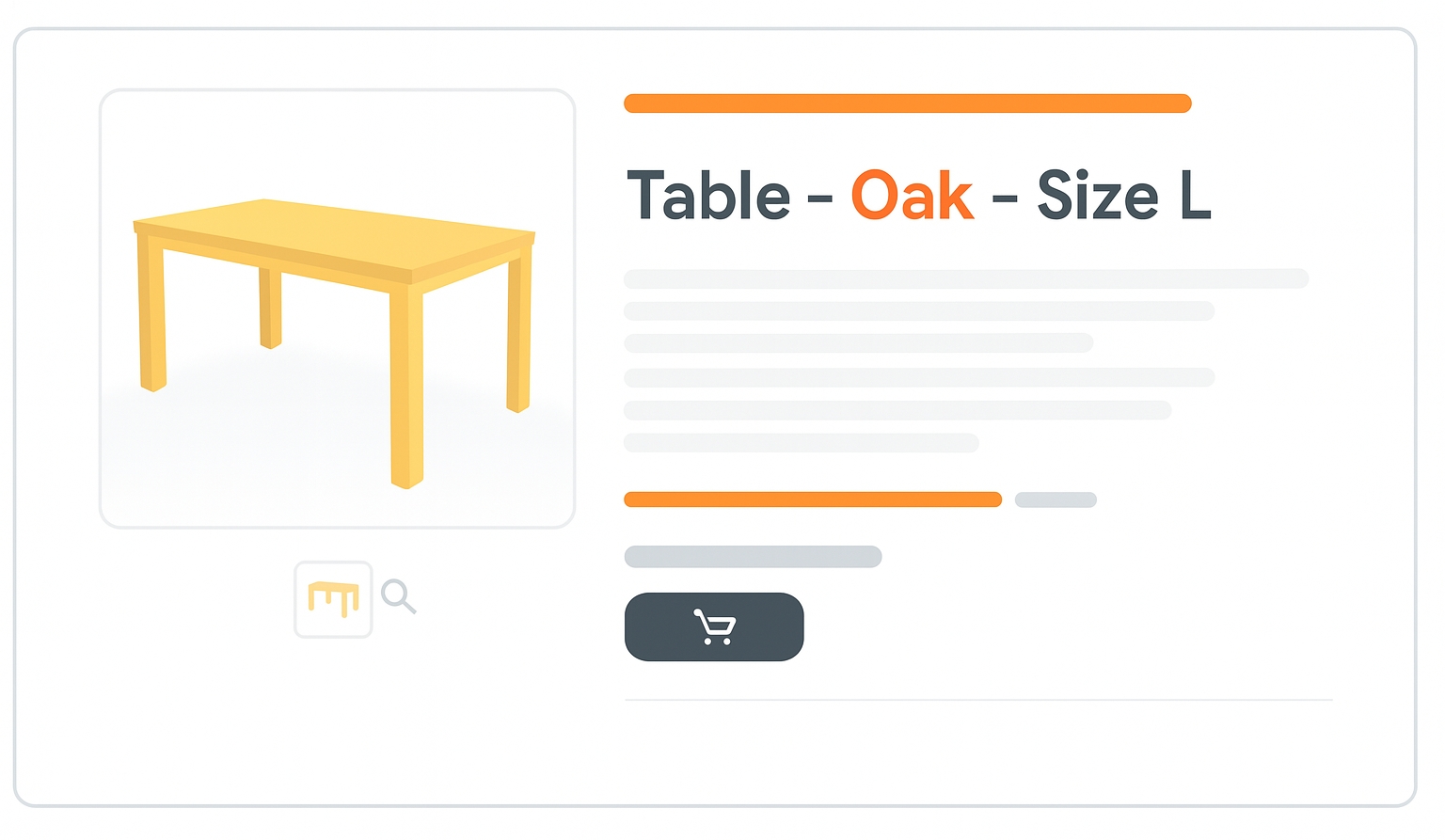
The title attribute is used to name your product. It appears as the clickable headline in Shopping ads and free listings. A clear, descriptive title improves click-through rate (CTR) and helps Google correctly categorize your product.
When to use
For titles created using generative AI, use the structured title [structured_title] attribute. For titles not using generative AI, use either the structured title [structured_title] or title [title] attribute.
The title [title] attribute is a standard text attribute without sub-attributes.
The structured title [structured_title] attribute uses 2 sub-attributes:
-
Digital source type
[digital_source_type](Optional):- Default
[default]: The content[content]was not created using generative AI. - Trained algorithmic media
[trained_algorithmic_media]: Content was created using AI. - If omitted,
[default]is assumed.
- Default
-
Content
[content](Required): The actual product title.
Format
Follow these formatting guidelines to ensure Google understands the data you’re submitting.
- Type: String (Unicode characters; ASCII recommended)
- Limits:
- Title
[title]: 1–150 characters - Content
[content]sub-attribute of[structured_title]: 1–150 characters
- Title
- Repeated field: No
- Schema.org property:
- Title
[title]:Product.name [structured_title]: Not supported by Schema.org
- Title
Title formatting examples:
| File format | Example entry |
|---|---|
| Text feed | Google Organic Cotton Men's T-Shirt - Blue - M |
| XML feed | <g:title>Google Organic Cotton Men's T-Shirt - Blue - M</g:title> |
Minimum requirements
Note: If your title exceeds the max character limit, it will be truncated and flagged in Merchant Center.
- Use a relevant title that clearly describes your product.
- Describe the product on your landing page. Titles should match the visible content.
- Distinguish between variants. Add size, color, gender, etc.
- Be specific. The more specific the title, the easier it is for users to identify the product.
- Use professional and grammatically correct language. Avoid ALL CAPS, symbols, and excessive promo language.
- Don’t use foreign characters unless well understood.
- Avoid gimmicky symbols or emojis (e.g. ಠ_ಠ).
SEO Tip
Use relevant keywords early in your title. The first 70 characters are the most visible in Google results. Optimize for user intent and clarity.
Official Source : https://support.google.com/merchants/answer/6324415
Need more help?
Our team is here to assist. Reach out and we’ll get back to you fast.
Contact Support