
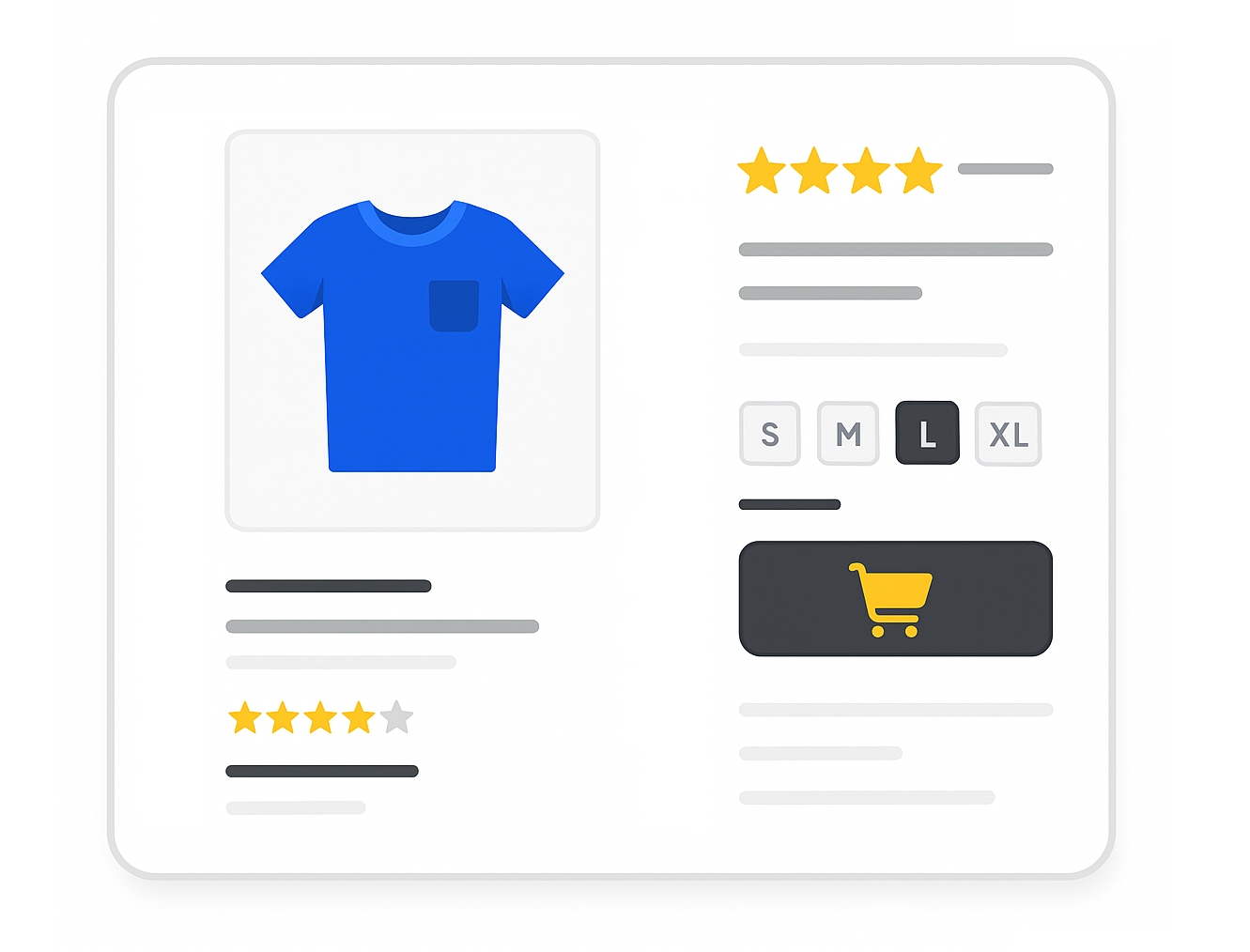
Required for apparel and shoe categories in specific contexts (Google & ChatGPT)
The size attribute specifies the standard size of your product. It is used to filter results and display product variants correctly. Shoppers can use size filters to find exactly what they need.
When to use
- Required for free listings for all products in:
- Apparel & Accessories > Clothing (ID 1604)
- Apparel & Accessories > Shoes (ID 187)
- Required for Shopping ads for these categories in:
- Brazil
- France
- Germany
- Japan
- United Kingdom
- United States
- Optional for other categories but recommended when size is relevant.
Format
- Type: String (Unicode; ASCII recommended)
- Limits: 1–100 characters
- Repeated field: No
- Schema.org property:
Product.size
File format examples:
| File format | Example entry |
|---|---|
| Text feed | XL |
| XML feed | <g:size>XL</g:size> |
Multiple sizes or dimensions:
- Use a slash
/for multiple sizes:Small/Medium/Large - For combined measurements:
16/34(neck/sleeve) - Do not use commas.
Minimum requirements
- Use a standard size value for your target country.
- Submit only one size attribute per product.
- Submit only the size value (not “n/a” or “none”).
- Use this attribute for all products that vary by size.
- Keep size formatting consistent across variants.
- Do not include non-size information (color, material, pattern) in this field.
- Do not use commas to separate multiple sizes or measurements.
SEO Tip
Consistent and standardized size values make your product more discoverable in filtered search results. For example, instead of mixing M, Medium, and Med, use M for all relevant products.
Also use size_type and size_system attributes to provide more detailed size context when possible.
Official Source : https://support.google.com/merchants/answer/6324492
Need more help?
Our team is here to assist. Reach out and we’ll get back to you fast.
Contact Support