
Optional for each product
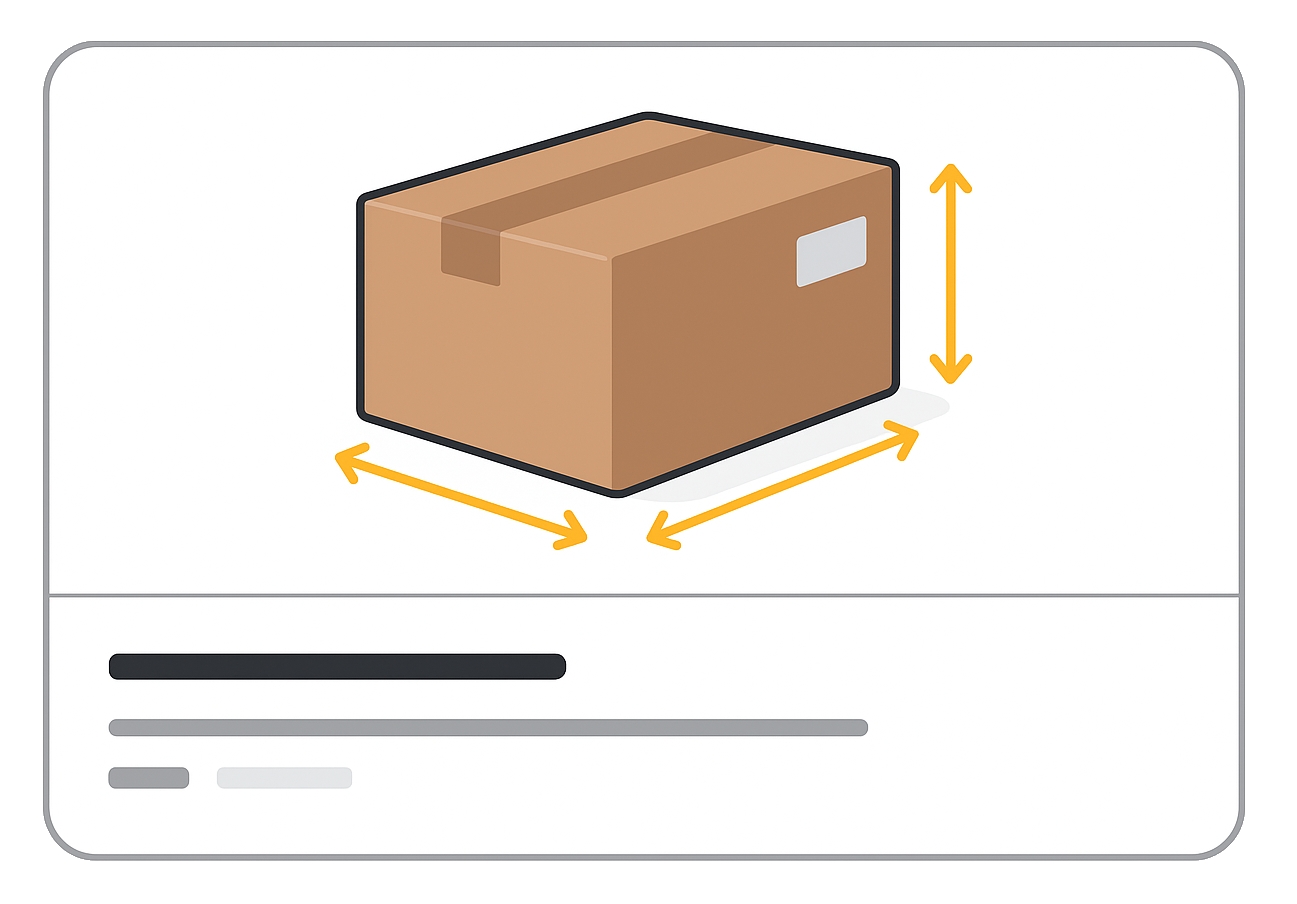
The shipping_length, shipping_width, and shipping_height attributes let you submit the package dimensions for a product.
These are critical for carrier-calculated shipping rates and can prevent cost miscalculations — especially for large or unusually shaped products like fishing rods or pool noodles.
When to use
- When you set up carrier-calculated rates in Merchant Center.
- For products with irregular shapes where dimensional weight might affect shipping cost.
- To improve accuracy of shipping cost calculations by combining with
shipping_weight.
Format
- Type: Number plus unit.
- Supported units:
cm,in - Limits:
- cm: 1–400
- in: 1–150
- Repeated field: No
Formatting examples:
| Attribute | File format | Example value |
|---|---|---|
| shipping_length | Text feed | 20 in |
| XML feed | <g:shipping_length>20 in</g:shipping_length> | |
| shipping_width | Text feed | 40 in |
| XML feed | <g:shipping_width>40 in</g:shipping_width> | |
| shipping_height | Text feed | 10 in |
| XML feed | <g:shipping_height>10 in</g:shipping_height> |
Minimum requirements
- If you submit one dimension, you must submit all three (length, width, height).
- Use the same unit across all three attributes.
- Don’t mix cm and in in the same product’s dimensions.
- Avoid estimates — use exact package measurements.
Missing dimensions or inconsistent units will prevent Google from using this data in shipping cost calculations.
SEO Tip
More accurate data means better rankings in free listings. While not visible to customers, accurate shipping dimensions combined with weight data can ensure reliable delivery cost estimates, preventing abandoned carts caused by unexpected shipping charges.
Official Source: https://support.google.com/merchants/answer/6324498
Need more help?
Our team is here to assist. Reach out and we’ll get back to you fast.
Contact Support