
Optional, but recommended for promotions and sales (Google & ChatGPT)
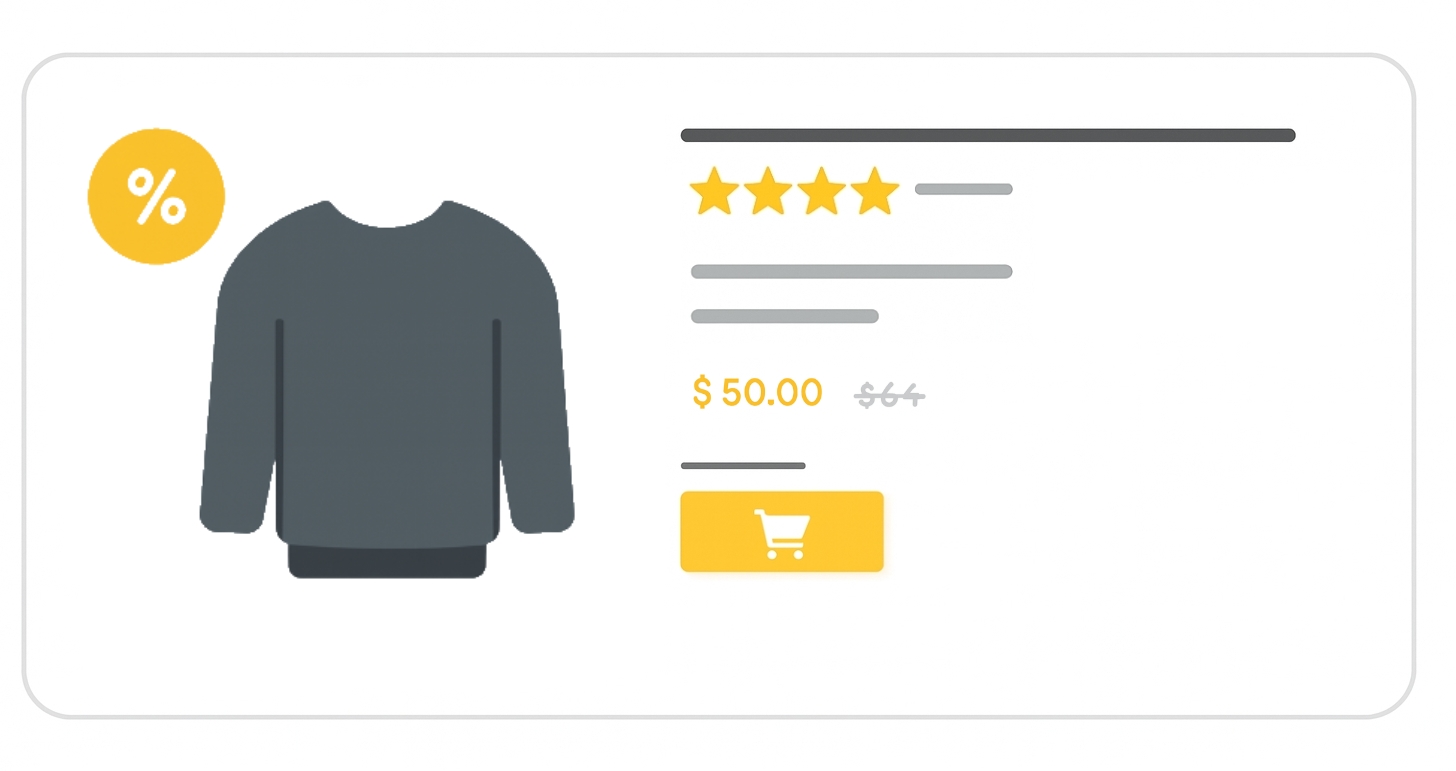
The sale_price attribute communicates a temporary reduced price for your product. If the original price and the sale_price meet Google’s criteria, both values may appear side-by-side in Shopping ads and free listings, with a sale annotation to highlight the discount.
When to use
- When your product is discounted for a specific promotion or sale.
- If you want to display both the original price and discounted price in Google results.
- Always provide the regular
pricealongside thesale_priceso Google can calculate and display the discount.
Related attribute:
- sale_price_effective_date (Optional): Defines the date range during which the sale price applies. Without this, the sale price is applied immediately upon submission.
Format
Follow these guidelines so Google correctly understands your sale pricing:
- Type: Number + currency (ISO 4217 format, e.g.,
USD,EUR) - Limits:
- No more than 2 decimal places (extra digits are rounded)
- Sale price must be lower than the original price
- Repeated field: No
- Schema.org property:
Offer.price
Formatting examples:
| File format | Example entry |
|---|---|
| Text feed | 15.00 USD |
| XML feed | <g:sale_price>15.00 USD</g:sale_price> |
Minimum requirements
- Sale price must be less than the product’s regular price.
- Clearly display both the original and sale price on your landing page.
- Match the value on your landing page and checkout exactly.
- Use
pricefor the regular value andsale_pricefor the discounted value. - Do not use for loyalty-program-only prices, use the
loyalty_programattribute instead.
If these requirements are not met, Google may disapprove the affected products.
SEO Tip
Displaying both the original and sale price with annotations increases visibility in search results and can boost click-through rates. Pair with accurate sale_price_effective_date to create urgency for time-limited offers.
Official Source: https://support.google.com/merchants/answer/6324471
Need more help?
Our team is here to assist. Reach out and we’ll get back to you fast.
Contact Support