
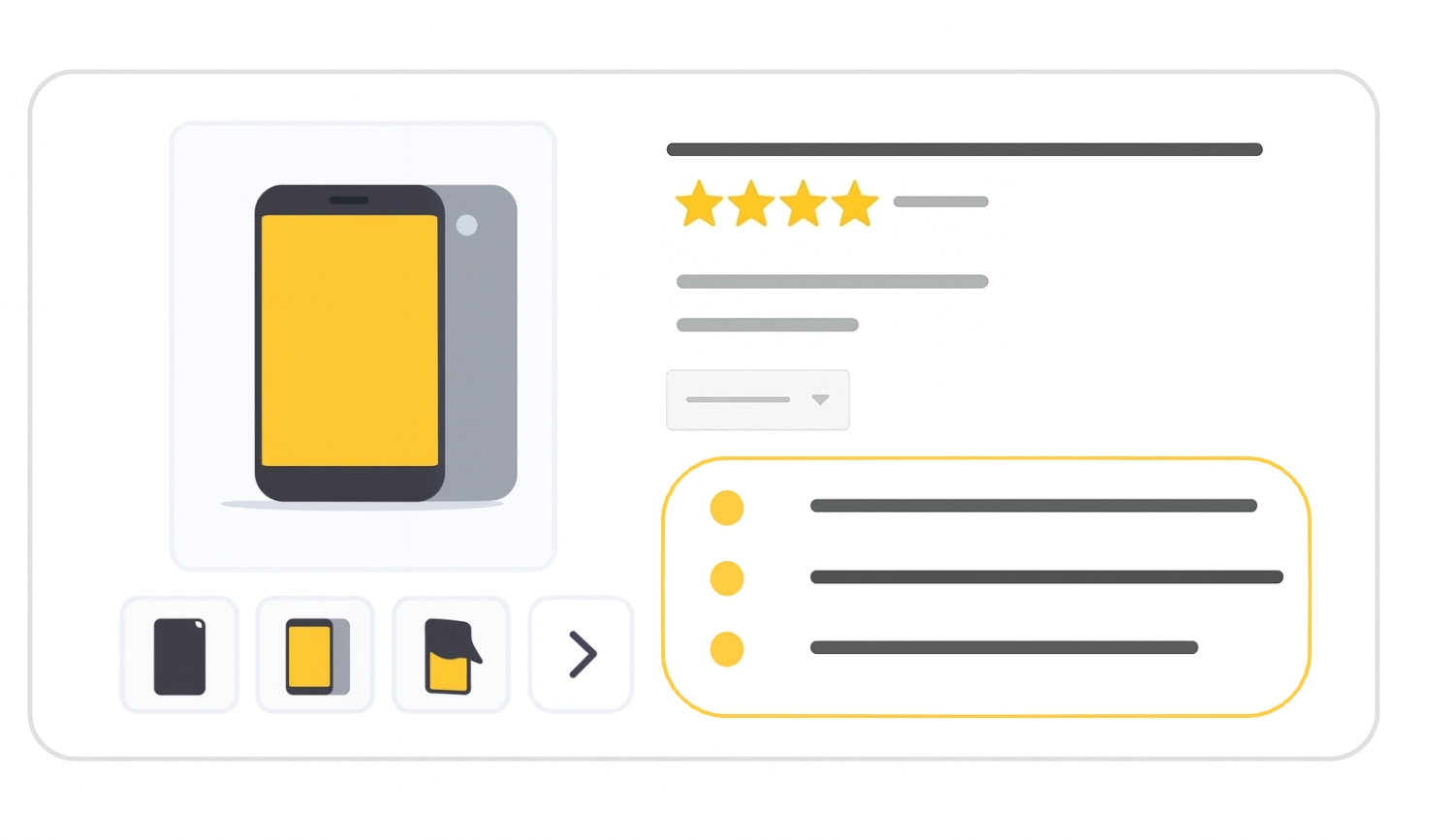
Optional for all products
The product_highlight attribute lets you list short, scannable bullet points about your product’s key features. These highlights help customers quickly identify important details and answer common questions before clicking through.
When to use
- For any product where you want to showcase main features or benefits in bullet form.
- To improve ad and free listing quality by making product details easily scannable.
- Recommended for all products, even if not required.
Tip: Use product_highlight to emphasize unique selling points (USPs) that might not fit naturally in the title or description.
Format
Follow these guidelines so Google understands your highlights:
- Type: String (Unicode; ASCII recommended)
- Limit: 1–150 characters per highlight
- Repeated field: Yes — min. 2, max. 100 highlights per product (4–6 recommended)
- File format examples:
| File format | Example entry |
|---|---|
| Text feed | 'Supports thousands of apps, including Netflix, YouTube, HBO Now, Spotify, Showtime, Pandora, Google Play Movies', '1080p maximum display resolution', 'Supports both 2.4 Ghz and 5 Ghz Wi-Fi networks' |
| XML feed | <g:product_highlight>1080p maximum display resolution</g:product_highlight> |
Minimum requirements
- Provide at least 2 and no more than 100 highlights.
- Each highlight must be ≤ 150 characters.
- Describe only the product itself (no business info, promotions, or unrelated products).
- Avoid promotional text, prices, delivery info, links, ALL CAPS, or gimmicky symbols.
- Don’t include keywords just for SEO : focus on useful information.
Products not meeting these requirements may be disapproved in Merchant Center.
SEO Tip
Product highlights will give more infos to Google in order to improve your product ranking in free listings. They also appear in free listings. Use them to call out specific, high-value features in clear, professional language. Avoid redundancy with the title; instead, use highlights to add detail and build trust.
Official Source: https://support.google.com/merchants/answer/9216100
Need more help?
Our team is here to assist. Reach out and we’ll get back to you fast.
Contact Support