
Required for each product (Google & ChatGPT)
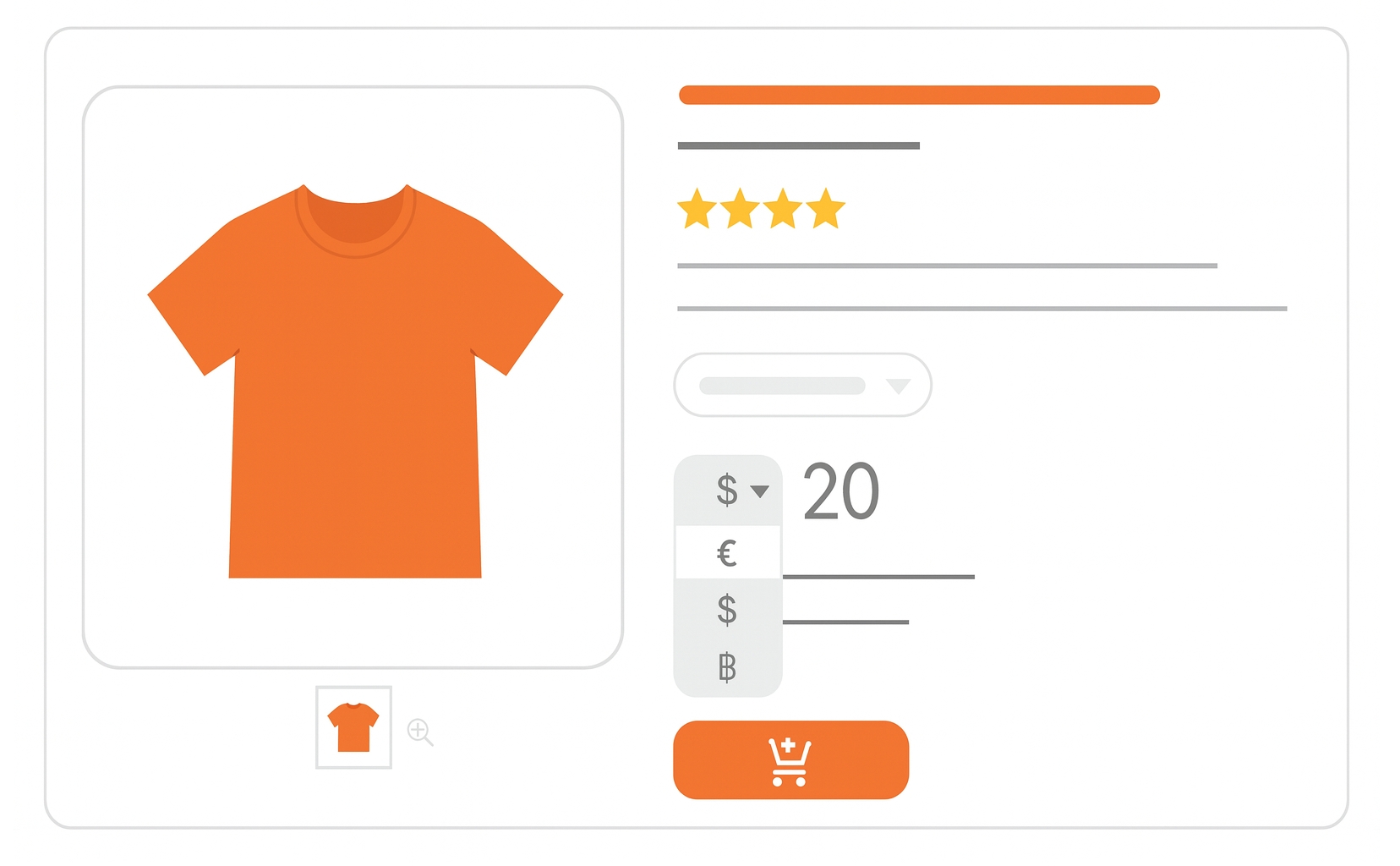
The price attribute tells users how much you’re charging for your product. It appears prominently in Shopping ads and free listings, and must match the landing page and checkout information.
When to use
Required for all products. Use the price attribute to display your product’s cost. For unit pricing details, consider adding unit_pricing_measure and unit_pricing_base_measure.
Format
- Type: Number plus currency (ISO 4217)
- Repeated field: No
- Schema.org property:
Offer.priceSpecification
Price formatting examples:
| File format | Example entry |
|---|---|
| Text feed | 15.00 USD |
| XML feed | <g:price>15.00 USD</g:price> |
Minimum requirements
Note: Your price must match on the feed, landing page, and checkout.
- Match landing page and checkout pricing.
- Submit amount and currency for your target country.
- Use a stable price not based on real-time auctions or exchange rates.
- Do not include shipping or import/export fees.
- No more than 2 digits after the decimal point.
- Do not show different prices based on user location (unless in a supported regional pricing program).
- Don’t submit member prices here — use the
loyalty_programattribute instead.
SEO Tip
Make sure your price appears clearly and consistently across all touchpoints : search, landing page, and checkout. Use structured data and enable automatic item updates to keep things fresh.
Official Source: https://support.google.com/merchants/answer/6324371
Need more help?
Our team is here to assist. Reach out and we’ll get back to you fast.
Contact Support