
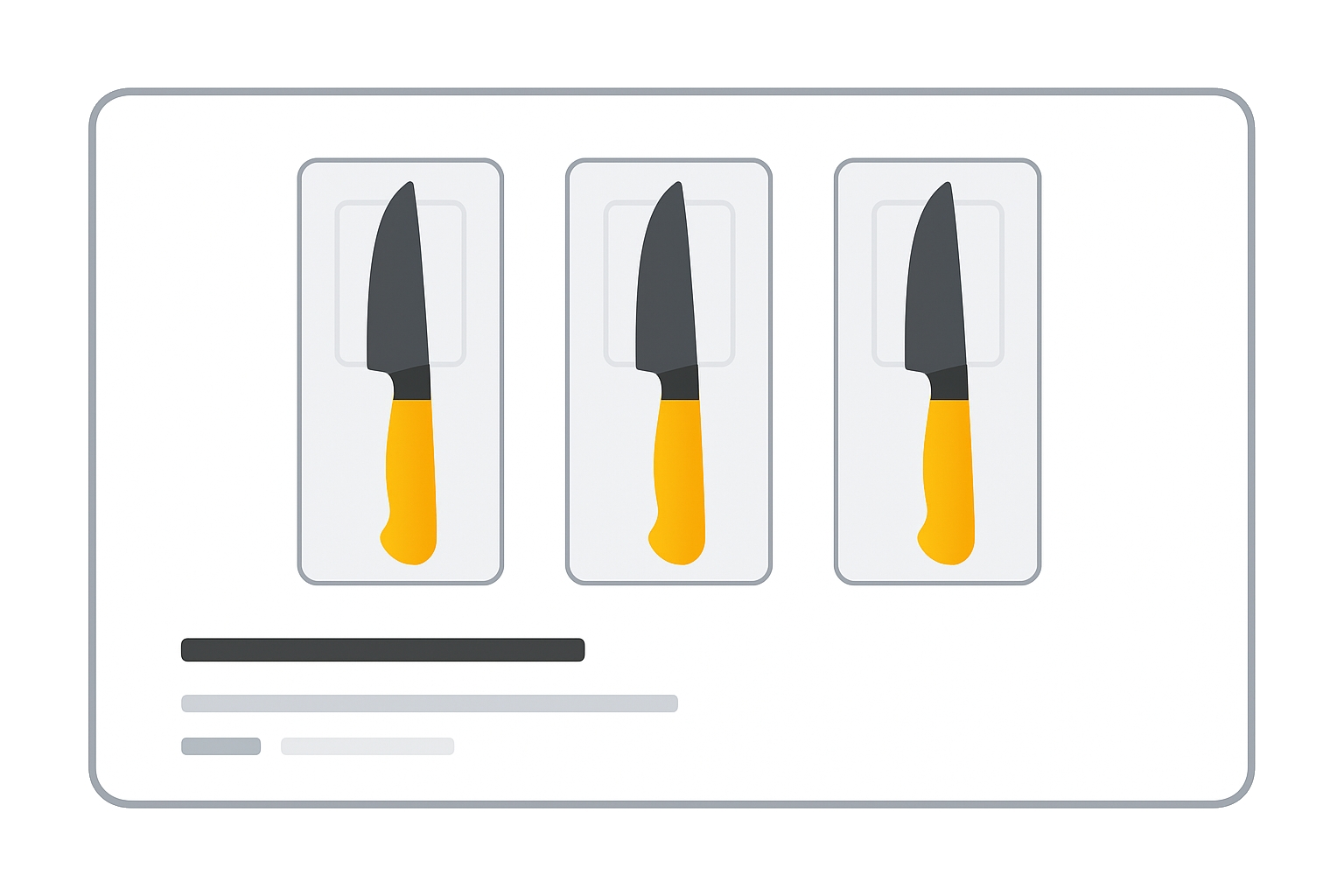
Optional for most products — Required if you created a retailer-defined multipack
Use multipack when you combine multiple identical items into a single sellable unit (retailer-defined multipack).
Example: selling 3 individually packaged pens together → multipack: 3.
If you sell three 20‑packs of pens together, it’s still multipack: 3 (count manufacturer packs as single items).
When to use
- Required for free listings if you created a retailer-defined multipack.
- Required for Shopping ads with retailer-defined multipacks in: Australia, Brazil, Czechia, France, Germany, Italy, Japan, Netherlands, Spain, Switzerland, United Kingdom, United States.
- Don’t use for manufacturer-created multipacks or bundles of different products.
Format
- Type: Number (integer)
- Repeated field: No
Formatting examples:
| File format | Example value |
|---|---|
| Text feed | 6 |
| XML feed | <g:multipack>6</g:multipack> |
Minimum requirements
- Submit the count of identical products you grouped (retailer-defined).
- Do not use for a single manufacturer multipack; that’s not a retailer multipack.
- Do not use for mixed-item bundles; consider
is_bundleand unit pricing attributes instead.
Incorrect use can lead to disapprovals or misclassification in Merchant Center.
SEO Tip
Setting multipack correctly improves listing relevance and prevents policy issues, especially in countries where the attribute is required for Shopping ads. It also clarifies value perception (e.g., “Pack of 3”) in titles and highlights.
Official Source: https://support.google.com/merchants/answer/6324488
Need more help?
Our team is here to assist. Reach out and we’ll get back to you fast.
Contact Support