
Optional for each product
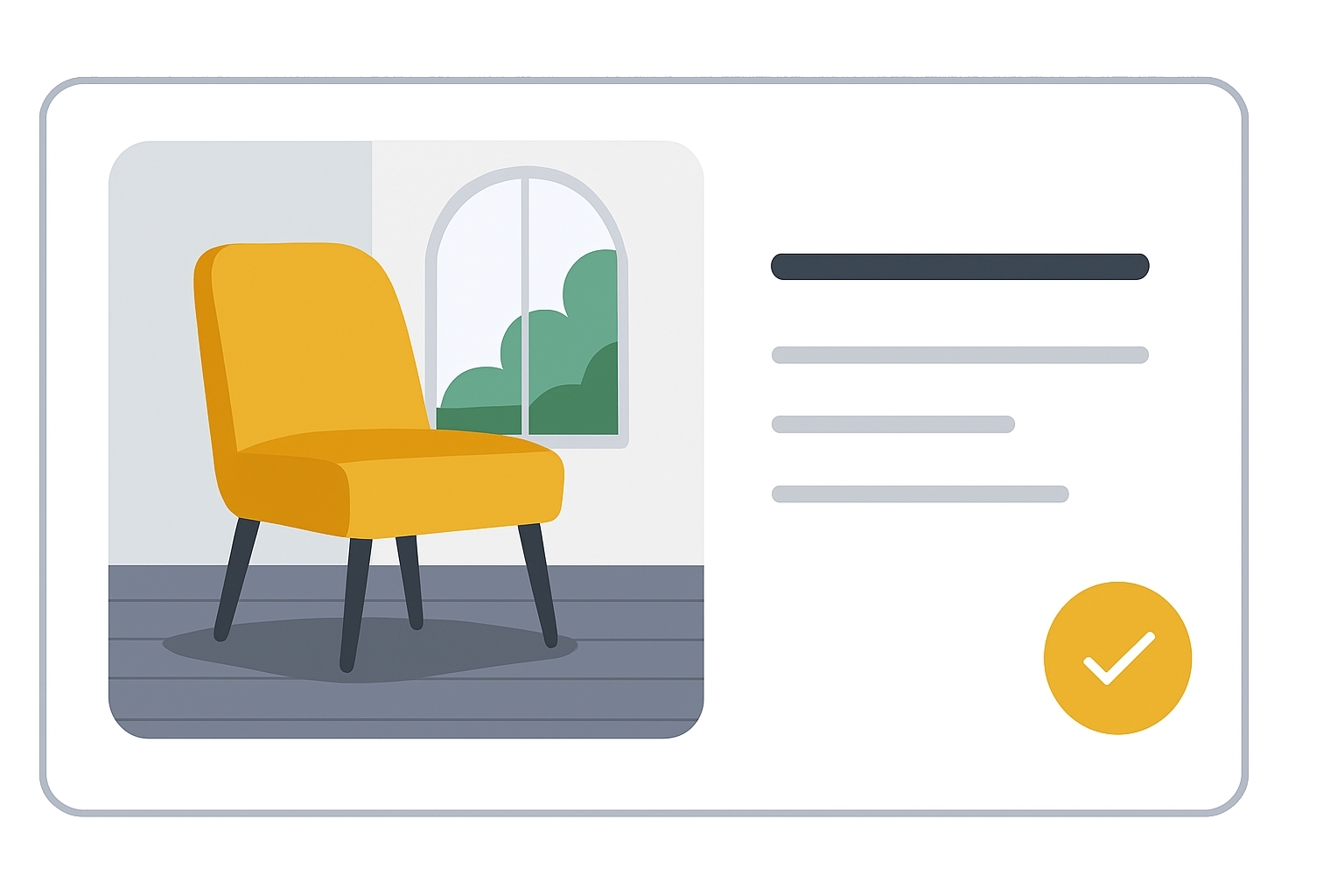
The lifestyle_image_link attribute lets you provide a URL to a contextual image of your product — such as being worn, used, or displayed in a realistic environment.
These images can make your listing more appealing, especially in awareness-driven placements.
When to use
- To complement your main product image with an emotional or contextual visual.
- For products that benefit from being shown in use cases (e.g., clothing on a model, furniture in a room).
- When aiming to increase engagement and click-through rates in free listings.
Format
- Type: URL (RFC 3986 compliant, ASCII only)
- Length: 1–2,000 characters
- Supported formats:
.gif,.jpg/.jpeg,.png,.bmp,.tif/.tiff - Repeated field: No
Formatting examples:
| File format | Example value |
|---|---|
| Text feed | https://www.example.com/image1.jpg |
| XML feed | <g:lifestyle_image_link>https://www.example.com/image1.jpg</g:lifestyle_image_link> |
| Content API | "lifestyleImageLink": "https://www.example.com/image1.jpg" |
URL Guidelines
- Must start with
httporhttps. - Use URL-encoded characters for symbols/spaces (
&→%26). - Ensure Google can crawl the image (check
robots.txt). - Avoid temporary or changing URLs (no timestamps if possible).
Image Guidelines
- Minimum resolution 600×600 px, aspect ratio 2:0 to 2:3.
- Show the product in real-world context not just a white background.
- No promotional overlays (price, “buy now”, “best”, “free shipping”).
- No borders or padding to fit aspect ratios.
- Maintain AI-generated metadata if applicable (IPTC DigitalSourceType).
Images not meeting guidelines will be rejected and won’t appear in your listings.
SEO Tip
Google will prioritize products with many types of high quality images. Lifestyle images can dramatically increase CTR by appealing to emotions and helping customers imagine using the product.
They work best when paired with high-quality, zoomable main images.
Official Source: https://support.google.com/merchants/answer/9103186
Need more help?
Our team is here to assist. Reach out and we’ll get back to you fast.
Contact Support