
Required for apparel and accessories in specific contexts (Google & ChatGPT)
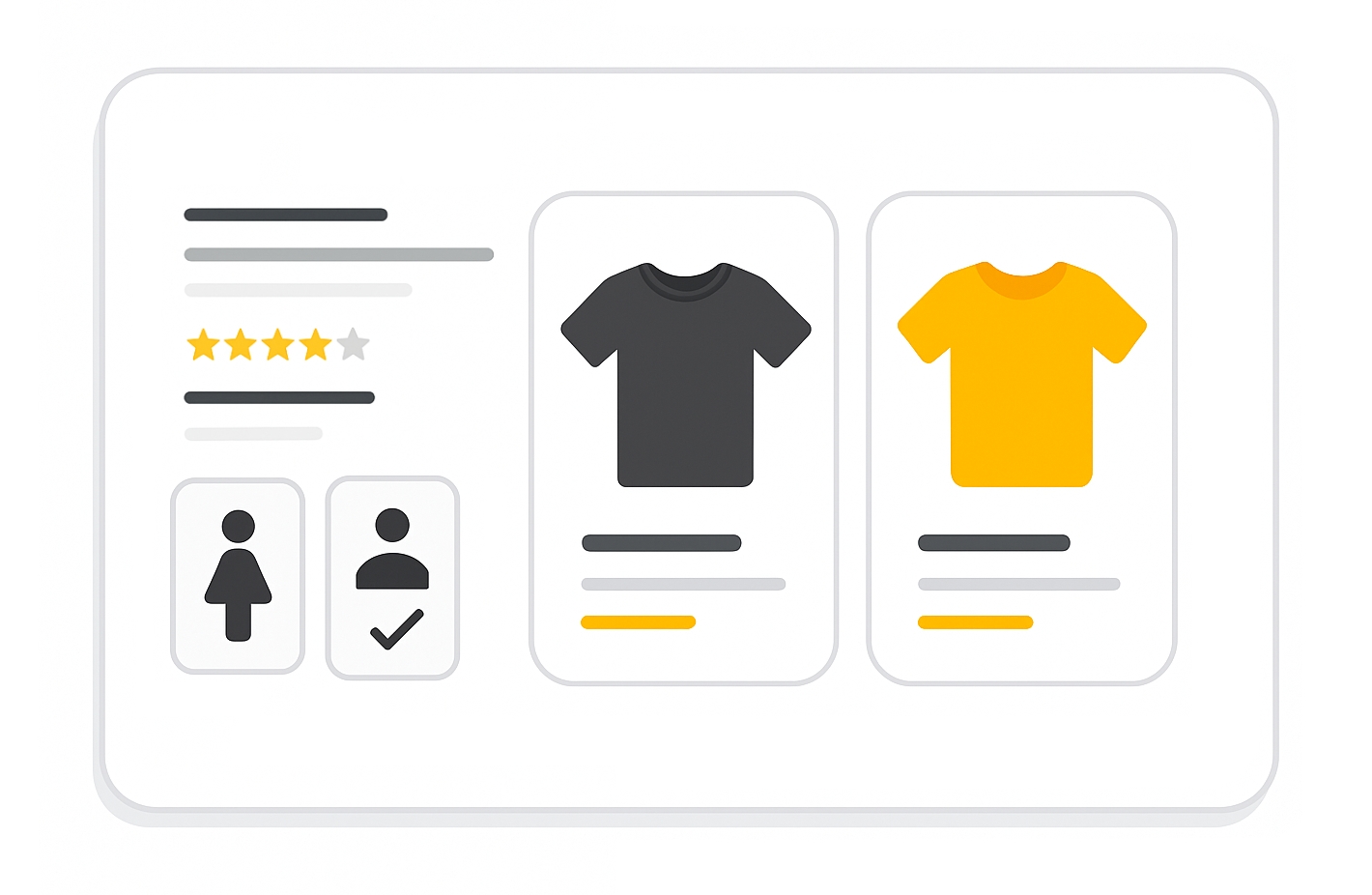
The gender attribute specifies the intended gender for your product. It helps shoppers refine their searches and is used alongside size and age_group to standardize how sizes are displayed.
When to use
- Required for free listings for all Apparel & Accessories (ID 166) products.
- Required for Shopping ads for Apparel & Accessories (ID 166) products in:
- Brazil
- France
- Germany
- Japan
- United Kingdom
- United States
- Optional for certain Apparel & Accessories sub-categories such as pinback buttons, tie clips, wristbands, shoelaces, watch bands, keychains, lanyards, and others listed in Google Merchant documentation.
Supported values
| Value | Description |
|---|---|
male | Designed for men |
female | Designed for women |
unisex | Suitable for all genders |
Values must be submitted in English.
Format
- Type: String (one of the supported values)
- Repeated field: No
- Schema.org property:
Product.audience.suggestedGender
File format examples:
| File format | Example entry |
|---|---|
| Text feed | male |
| XML feed | <g:gender>male</g:gender> |
Minimum requirements
There are no minimum requirements for this attribute, but you must follow the supported values and formatting guidelines for the data to be used.
SEO Tip
Providing the gender attribute when relevant improves filtering accuracy and helps shoppers find the correct size. Pair with age_group and size to ensure products are displayed correctly in variant listings.
Official Source : https://support.google.com/merchants/answer/6324479
Need more help?
Our team is here to assist. Reach out and we’ll get back to you fast.
Contact Support