
Required if you've created a bundle containing a main product
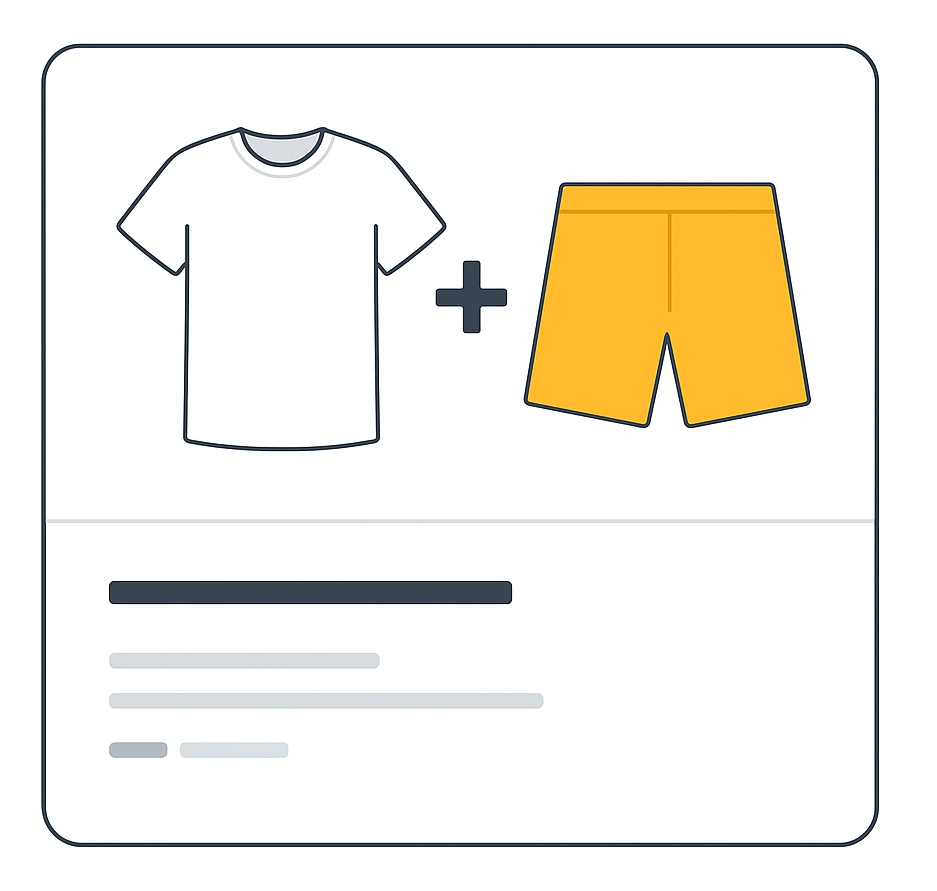
The is_bundle attribute tells Google that your product is a retailer-defined bundle — a main product sold together with different, complementary products for one price. This helps Google display your offer in the correct context.
When to use
- Required for free listings and Shopping ads if you’ve created a custom bundle and are targeting:
Australia, Brazil, Czechia, France, Germany, Italy, Japan, Netherlands, Spain, Switzerland, United Kingdom, United States. - Not used for manufacturer-created bundles or single products.
Format
Follow these formatting rules so Google can understand your data.
- Type: Boolean
- Supported values (Text/XML):
yes,true,no,false - Repeated field: No
Example formatting:
| File format | Example entry |
|---|---|
| Text feed | yes |
| XML feed | <g:is_bundle>yes</g:is_bundle> |
Minimum requirements
- Submit
yesif your product is a custom bundle with a main product and different accessories. - Ensure all items are complementary — e.g., a camera with a lens and bag.
- Do not use for manufacturer-created bundles.
- Do not omit the field if your product is indeed a custom bundle.
Best practices
- Describe the entire bundle in your title, description, and image.
- Use the correct
condition— if any included item is used, setconditiontoused. - For customized bundles (e.g., engraving), still mark
is_bundleasyes.
Official Source: https://support.google.com/merchants/answer/6324449
Need more help?
Our team is here to assist. Reach out and we’ll get back to you fast.
Contact Support