
Required for apparel and accessories in specific contexts (Google & ChatGPT)
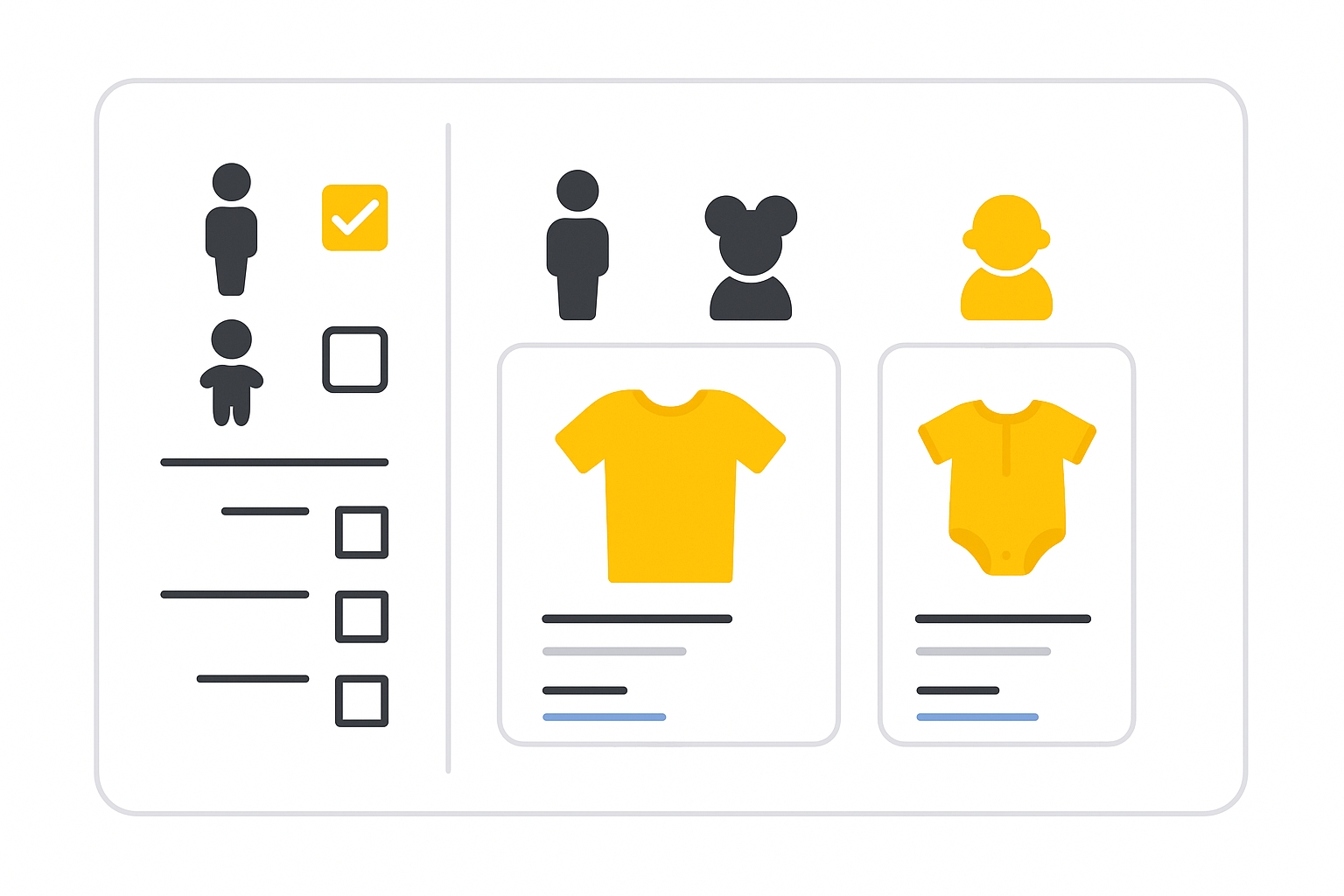
The age_group attribute specifies the target demographic age range for your product. It allows Google to filter results by age and display correct product variants to shoppers.
When to use
- Required for free listings for all Apparel & Accessories (ID 166) products.
- Required for Shopping ads for Apparel & Accessories (ID 166) products in:
- Brazil
- France
- Germany
- Japan
- United Kingdom
- United States
- Optional for certain Apparel & Accessories sub-categories such as pinback buttons, tie clips, cufflinks, wristbands, shoelaces, watch bands, keychains, and others listed in Google Merchant documentation.
Supported values
| Value | Description |
|---|---|
newborn | 0–3 months old |
infant | 3–12 months old |
toddler | 1–5 years old |
kids | 5–13 years old |
adult | Teens or older (13+ years) |
Age ranges are defined in years (use decimals for months; for example, 0.25 for 3 months).
Format
- Type: String (one of the supported values)
- Repeated field: No
- Schema.org properties:
Product.audience.suggestedMinAgeandProduct.audience.suggestedMaxAge
File format examples:
| File format | Example entry |
|---|---|
| Text feed | adult |
| XML feed | <g:age_group>adult</g:age_group> |
Best practices
- Submit one of the supported values whenever required for your category and target country.
- Use this attribute for all products that vary by age group.
- If your product is not exclusively for children, set the value to
adult. This does not limit eligibility or imply explicit content. - Submit accurate values even if the product is not technically a variant, to ensure inclusion in filtered searches.
- Pair with the
genderattribute where applicable for more precise variant targeting.
SEO Tip
Accurate age group values improve the match between your product and relevant search filters, helping users find the right size or variant quickly. When paired with gender and size, this can significantly improve conversion rates.
Official Source : https://support.google.com/merchants/answer/6324463
Need more help?
Our team is here to assist. Reach out and we’ll get back to you fast.
Contact Support